


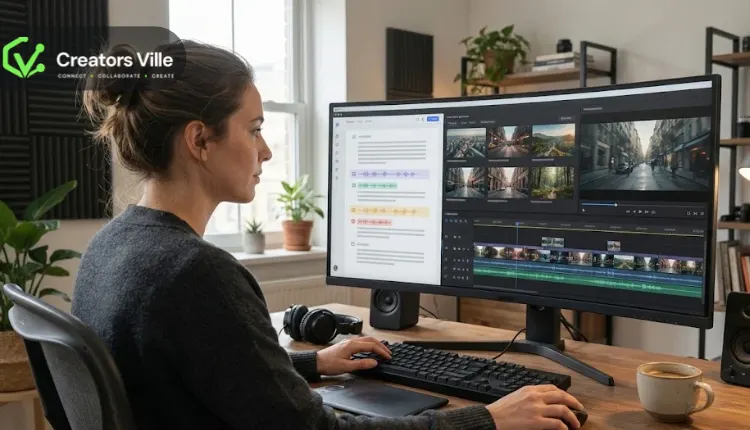
Turning a written script into a video can save creators considerable production time. Instead of recording every scene, searching for supporting footage, and editing everything manually, AI video tools can transform written content into scenes with visuals, narration, music, and captions.
This approach has become useful for marketers, educators, YouTube creators, businesses, and content teams that regularly produce videos from existing scripts, articles, and briefs.
Pictory is one platform designed for this purpose. It helps users turn scripts and written content into videos using AI-selected visuals, voiceovers, and captions. However, creators may want alternatives that offer more control over generated scenes, realistic AI presenters, different voice options, or more flexible editing capabilities.
Fortunately, several platforms offer different approaches to script-to-video creation. Some focus on generating complete videos from written instructions, while others use AI avatars, stock footage, or customizable templates to present the content.
Here are six Pictory alternatives worth considering in 2026, starting with a platform that combines AI video generation, script-based creation, and an editable production environment.
What to Look for in a Pictory Alternative
Before choosing a script-to-video platform, consider how it transforms written content into visual scenes. Some tools automatically select stock footage and generate narration, while others create original AI-generated clips or use virtual presenters to deliver the script.
Also consider how much editing control the platform provides after generating the initial video. The ability to change scenes, adjust narration, replace visuals, customize captions, and refine timing can make a significant difference when producing content regularly.
Other important factors include voice quality, supported languages, available video formats, branding options, export quality, and pricing. The right platform should match the type of videos you want to create rather than simply offering the largest number of AI features.
1. Invideo: Best for AI-Powered Script-to-Video Creation
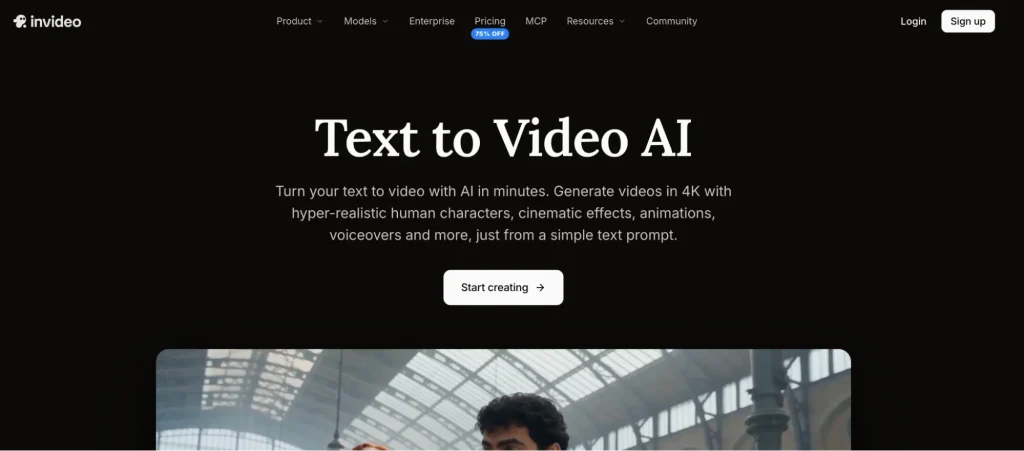
Invideo offers an AI-powered video creation platform that turns scripts, briefs, and text prompts into complete videos. Creators can describe the video they want or upload an existing script, and AI agents can analyze the content, create relevant clips, organize scenes, and build an editable timeline. Its text-to-video capabilities include generating visuals, voiceovers, music, and edits based on the supplied direction. The platform also provides access to AI video models such as Seedance 2.5, Veo 3.1, Gemini Omni Flash, and Kling for creating cinematic clips and other visual content. Users can develop storyboards, adjust scenes, refine details, and export their finished videos. This makes invideo useful for marketers, social media teams, filmmakers, and creators who want more flexibility than a basic stock-footage-based script converter. The script to video experience is particularly useful when you want to move from written ideas to generated scenes while retaining the ability to review and refine the result.
2. Synthesia: Best for Presenter-Led Script Videos
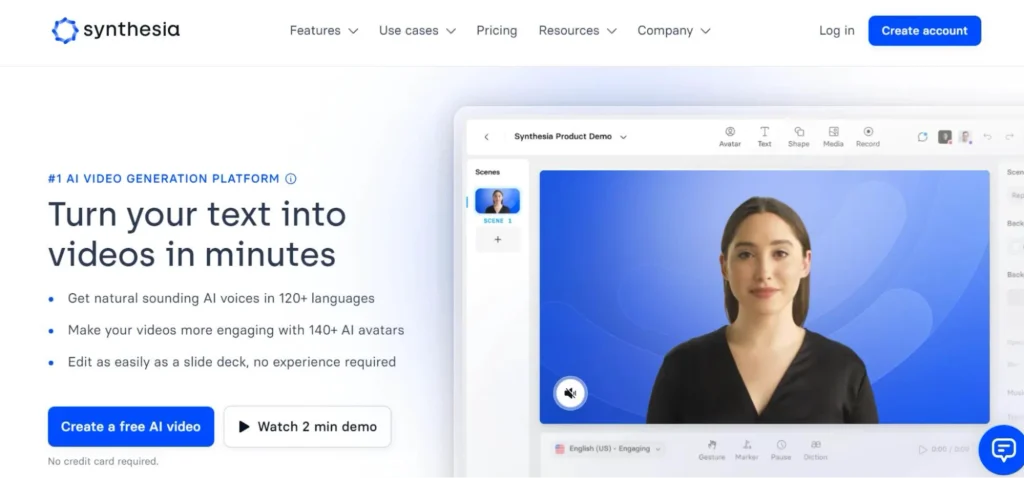
Synthesia is an AI video creation platform that transforms scripts and written materials into presenter-led videos. Users can paste an existing script, select an AI avatar, choose a voice, and create a video without recording a person on camera. It also supports importing documents and presentations to develop video content, making it useful for employee training, product explanations, internal communications, and educational lessons. Creators can customize scenes, add supporting visuals, and translate videos into different languages. Its avatar-focused approach makes it particularly useful when a video needs a consistent presenter who delivers information directly to viewers. However, it is more focused on structured presenter-led content than cinematic footage generation or traditional timeline-based editing.
3. HeyGen: Best for Realistic AI Presenter Videos
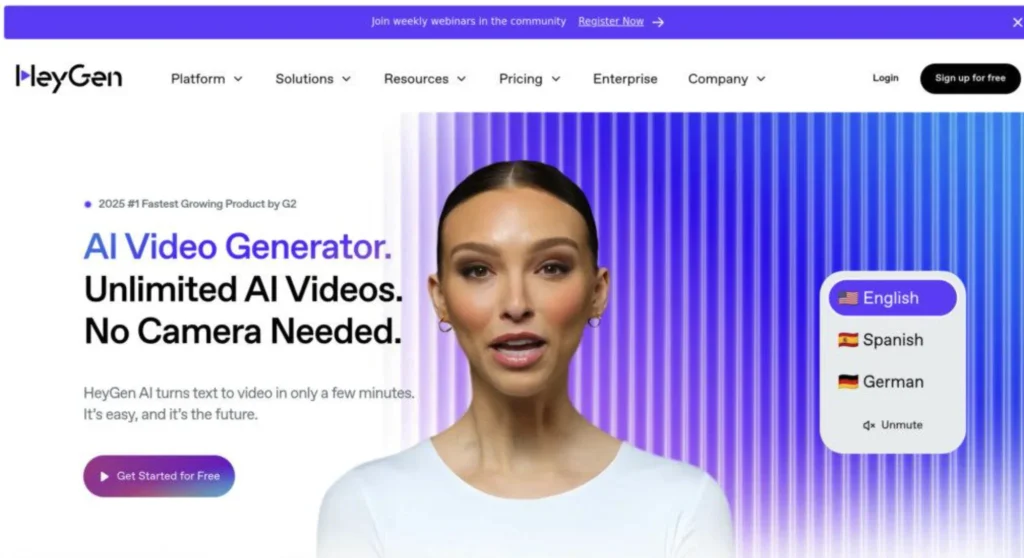
HeyGen allows creators to turn scripts and written briefs into videos featuring AI presenters, narration, captions, and supporting visuals. Users can paste their script, select an avatar, customize the voice and appearance, and generate a presenter-led video without arranging a traditional recording session. Its video creation tools also support translation and localization, making it useful for businesses that need to communicate the same message to audiences in different languages. Creators can customize their scripts, visual presentation, and output formats before exporting. HeyGen is particularly suitable for product explainers, marketing presentations, educational videos, and business communications where a realistic presenter helps deliver the message. Its main distinction from stock-footage-focused tools is the emphasis on avatar-based storytelling and digital presenters.
4. Fliki: Best for Narrated Videos With AI Voices
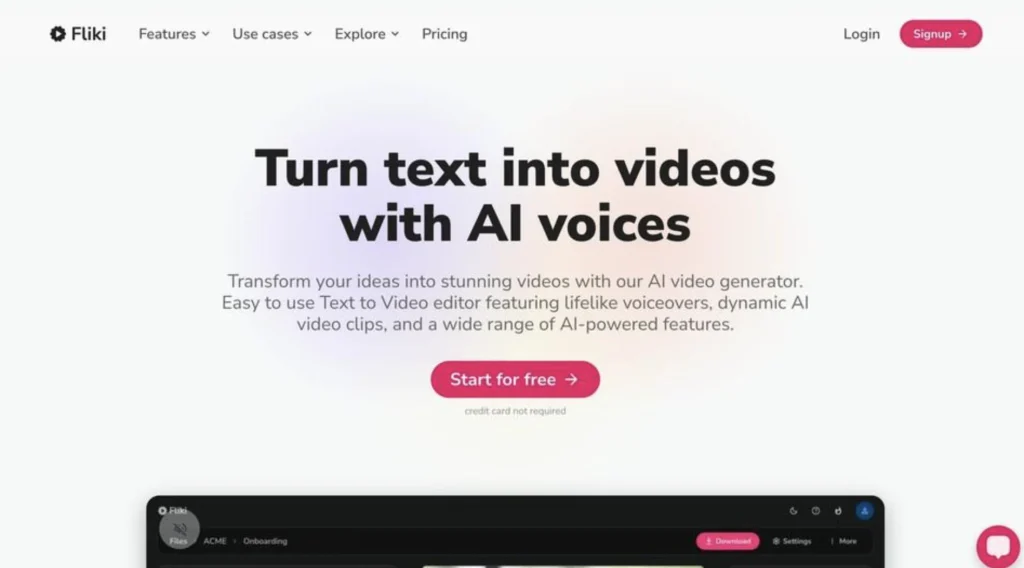
Fliki focuses on converting written scripts into narrated videos using AI-generated voices and supporting visuals. Users can paste a marketing script, educational guide, or story, and the platform divides the content into scenes, selects relevant media, and generates voiceovers. Creators can guide scene selection with visual instructions, choose stock footage or AI-generated images, and add optional AI presenters or recurring characters. Fliki also offers a range of voice options across languages and dialects, along with captions and templates for different video formats. Its single-page editing interface makes it convenient to review the script and adjust individual scene settings before generating the video. It is particularly useful for faceless YouTube videos, explainers, educational content, and narrated social media videos.
5. Lumen5: Best for Turning Written Content Into Branded Videos
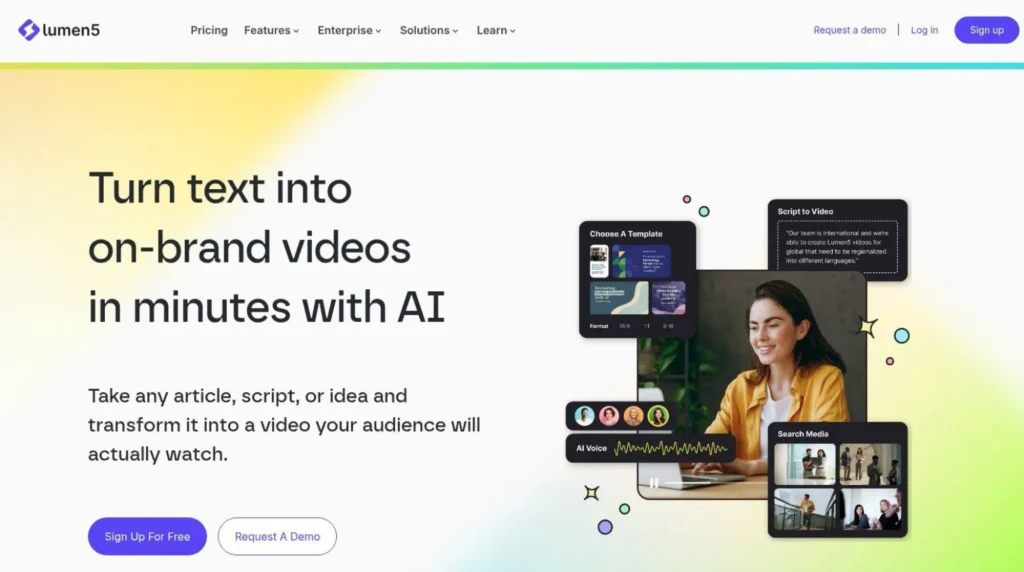
Lumen5 helps marketing teams and content creators convert written material into visual videos using AI-assisted scene creation and customizable templates. Users can start with a script, article URL, document, or recording, and the platform can organize the content into scenes with suitable media and voiceover narration. Its editor allows users to adjust text, replace visuals, rearrange scenes, and choose landscape, square, or vertical formats. This makes it particularly useful for repurposing blog posts, educational articles, company updates, and marketing content into shorter videos. Lumen5 also offers branded templates and visual customization options, helping teams maintain a consistent presentation across their video library. It is more focused on text-led storytelling and branded content than complex cinematic video generation.
6. VEED: Best for Script Generation and Online Video Editing
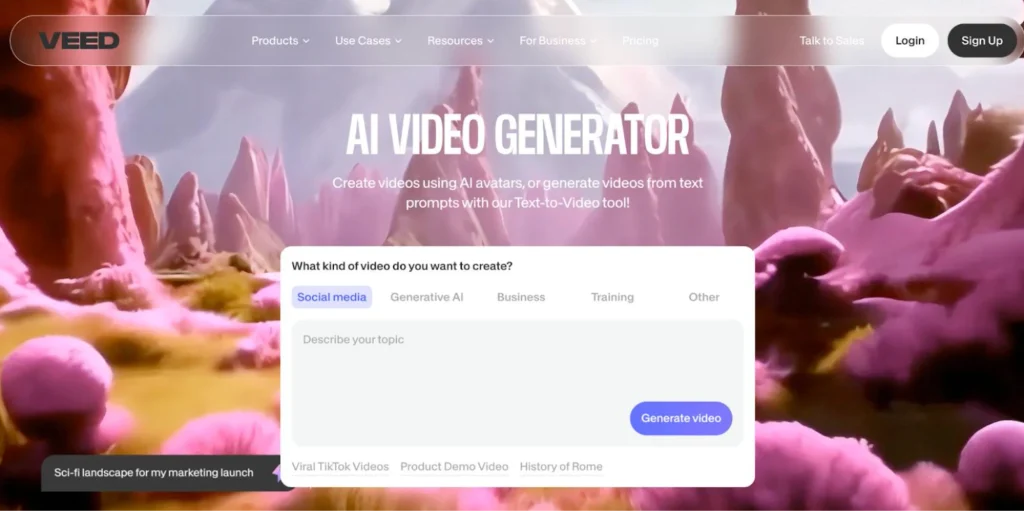
VEED combines AI video generation with a browser-based video editing environment. Users can describe a video concept or enter a script to generate visuals and narration, with options for AI-generated footage, avatars, subtitles, and voiceovers. Once the initial video is created, they can continue editing within VEED by adjusting clips, adding text, changing captions, and refining the presentation. The platform also offers additional AI tools for voice generation, background noise removal, and image-to-video creation. This combination makes it useful for marketers, educators, and creators who want to generate content and make further adjustments without switching between separate applications. VEED is particularly suited to straightforward explainers, social media videos, presentations, and promotional content, rather than highly complex cinematic productions.
Comparison: Which Pictory Alternative Should You Choose?
| Tool | Main strength | Best suited for |
| Invideo | AI-generated scenes and editable video creation | Script-based videos and creative production |
| Synthesia | AI presenter videos | Training and business communication |
| HeyGen | Realistic AI avatars and localization | Presenter-led marketing videos |
| Fliki | AI narration and scene generation | Faceless videos and explainers |
| Lumen5 | Article-to-video conversion | Content marketing and social media |
| VEED | AI generation and online editing | Social content and promotional videos |
How to Choose the Right Pictory Alternative
The right alternative depends on the kind of videos you want to create and how much creative control you need after generation.
If you want to turn scripts and creative briefs into videos with generated scenes, voiceovers, and music, invideo is worth considering. Its AI agents can analyze scripts, organize clips, and create an editable timeline, giving creators more flexibility to refine the initial output.
For presenter-led content, Synthesia and HeyGen are more suitable because they focus on AI avatars and narrated presentations. Fliki is useful when voiceovers and automatically selected visuals are important, while Lumen5 is a practical option for repurposing existing written content into branded videos. VEED works well when you want video generation and browser-based editing together.
Before choosing, consider the following:
- Starting material: Check whether the platform supports existing scripts, documents, prompts, or article URLs.
- Visual approach: Decide whether you need stock footage, AI-generated scenes, animated visuals, or AI presenters.
- Voice options: Consider narration quality, language support, and voice customization.
- Editing flexibility: Check whether you can replace scenes, adjust timing, and refine the generated video.
- Publishing requirements: Consider aspect ratios, export quality, branding, and platform-specific formats.
- Pricing: Compare subscription limits, AI credits, export restrictions, and the cost of producing videos regularly.
Final Thoughts
Pictory is useful for transforming written content into videos, but it is not the only option for creators who want to automate video production. Alternatives now offer different approaches, from AI-generated cinematic scenes and realistic presenters to narrated videos and customizable templates.
Among these options, invideo stands out for combining script-based video creation with AI agents and an editable production timeline. It gives creators the ability to move from a written brief to generated scenes while retaining the flexibility to review and refine the result.
Synthesia and HeyGen are better suited to presenter-led content, Fliki focuses on narration-driven videos, Lumen5 supports article-based video creation, and VEED combines generation with online editing.
The best choice depends on whether you want a presenter, generated visuals, narrated stock footage, or greater control over the complete video creation process.
Frequently Asked Questions
1. What is the best alternative to Pictory in 2026?
The best alternative depends on your requirements. Invideo is a strong option for creating videos from scripts and prompts using AI-generated visuals and editable timelines. Synthesia and HeyGen are suitable for presenter-led videos, while Fliki and Lumen5 focus on narrated and text-based content creation.
2. Can AI turn a complete script into a video?
Yes. AI video platforms can analyze written scripts, divide them into scenes, generate or select visuals, add narration, and assemble the content into a video. Most platforms also allow users to review and adjust the generated scenes.
3. Which Pictory alternative is best for faceless YouTube videos?
Fliki, invideo, and Lumen5 are worth considering for faceless YouTube content. They offer different approaches to combining scripts, visuals, and narration without requiring an on-camera presenter.
4. Can I create videos from scripts without recording my voice?
Yes. Several AI video tools offer generated voiceovers. You can use an AI voice to narrate your script and combine it with stock footage, generated scenes, or other visuals.
5. What is the difference between script-to-video and text-to-video?
Script-to-video generally starts with an existing written script and turns it into a sequence of scenes. Text-to-video can also start with a shorter prompt or description, allowing the AI to develop the script, visuals, and other video elements.
6. Can I edit videos after generating them with AI?
Yes. Many platforms allow users to replace visuals, adjust scene duration, modify narration, and refine captions after generation. Invideo also provides an editable timeline that lets creators review and adjust the assembled video.
7. Are Pictory alternatives suitable for marketing videos?
Yes. Platforms such as invideo, VEED, HeyGen, and Lumen5 can support different marketing video requirements, including product explainers, promotional videos, social media content, and presenter-led campaigns.