



**Start free in 24 hours → to benchmark influencer campaign analytics and roi tracking in 2026 for your restaurant. It explains common pitfalls and shows which numbers matter most.
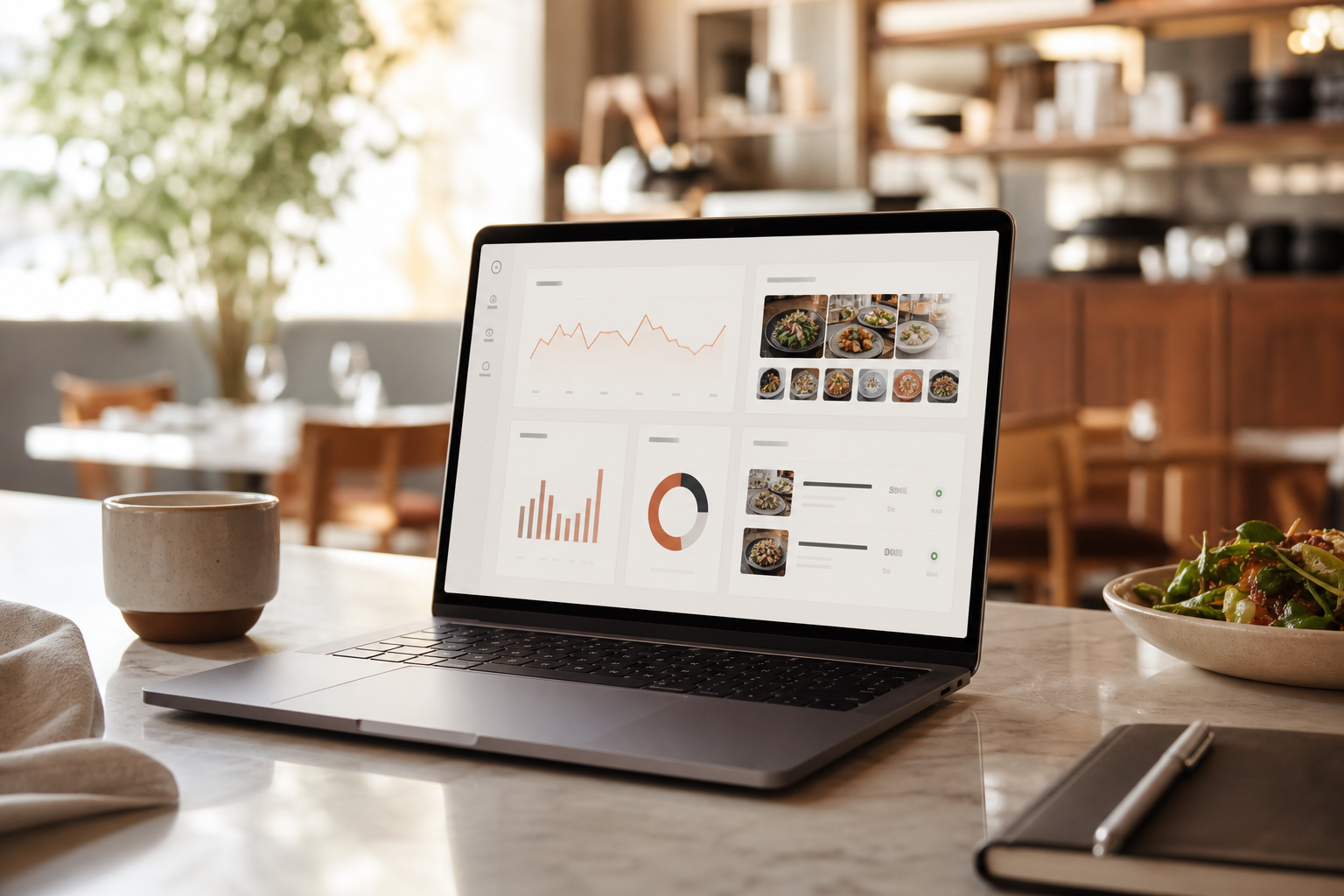
What Restaurants Need From Influencer Campaign Analytics
If you run a single bistro or a 20-location group, success is not “views.” It is butts in seats and full books. So your analytics must translate creator reach into visits, covers, and spend. To do that, you need a measurement stack that ties content to in-store results without guesswork and makes ROI obvious to operators and owners.
Translate reach to reservations and covers
First, you need foot traffic attribution. For example, a trackable code in the creator’s caption or a QR on Stories that maps to visits. You might not get a perfect match for every walk-in, but you should know how each post moved people. Add simple, channel-specific UTMs on link-in-bio and Story links, then mirror those codes on table tents and receipts to close the loop.
Second, you need UGC content tracking. Great food pics and casual reels keep your feed fresh. But if you can’t find, clear, and re-post content fast, momentum dies. A rights-tracking log tied to each creator prevents last-minute scrambles and keeps re-use compliant across organic, ads, and email.
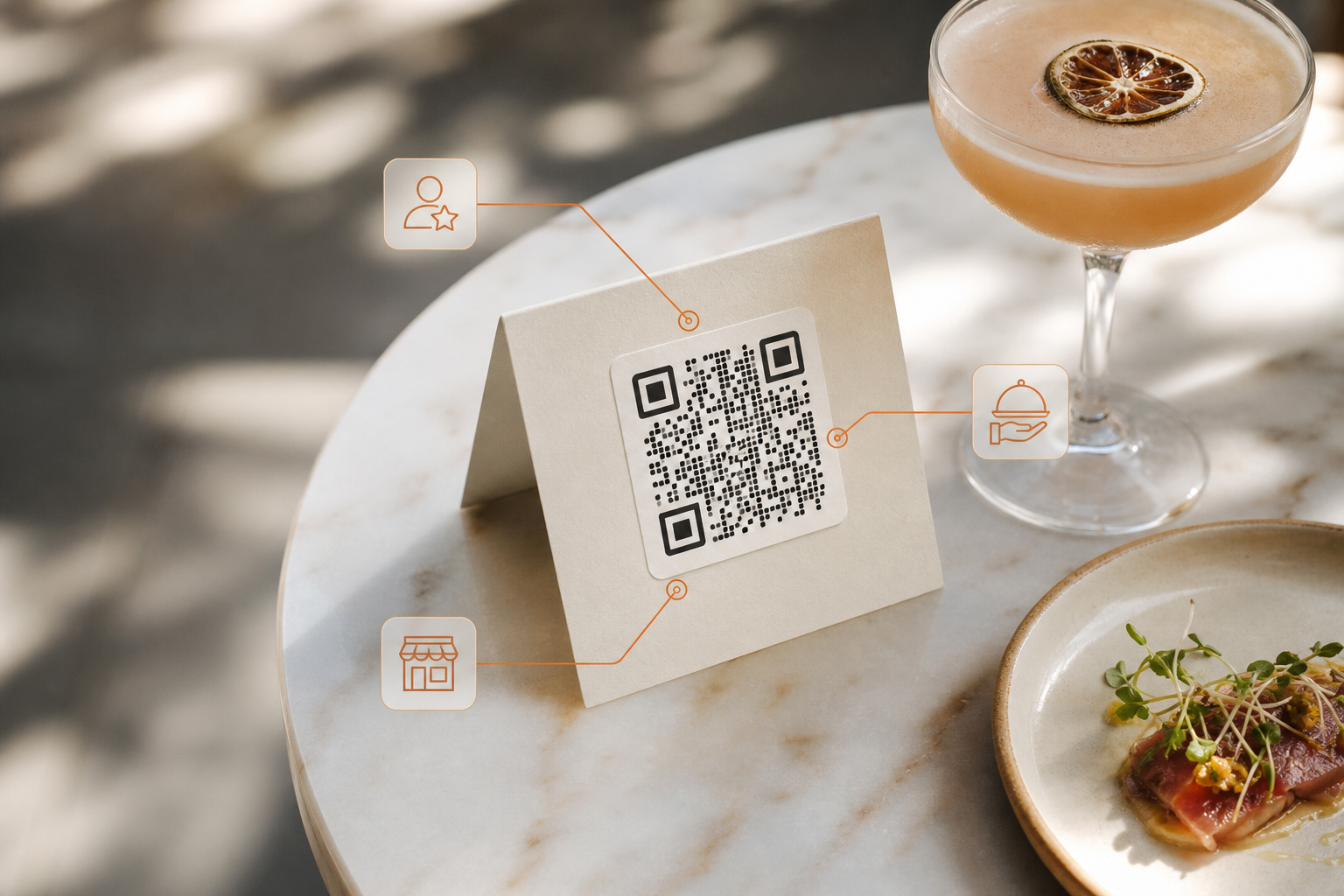
Third, you need talent discovery tied to your area. You don’t want a big-name creator three states away. You want local food voices who can swing by for a tasting tonight.
Fourth, you need a live view of cost-per-visit, not only cost-per-view. That requires basic mapping from each post, code, or unique link to reservations or POS indicators (e. g., promo button presses, comp-item keys).
A $300 short that fills 40 seats beats a $3,000 video that brings no one. Fifth, you need visual content performance. Which dish wins the swipe? Which hook line draws bookings? Break down performance by creative element (hook, dish, time-of-day, format) so you can brief future creators with “what works here.
The north star is cost-per-visit, not cost-per-view: prove that a post turned into a seat, and your budget earns another round.
Finally, you need some form of POS or reservation link-up. You may not get a native POS app from every vendor, yet you can still plan for a light handoff. Even a simple export that pairs UTM-tagged links to reservations helps (see Point of sale for how POS systems structure sales data). Protect privacy: aggregate at the campaign level where needed, and avoid storing PII outside authorized systems.
Implementation quick-start for operators (lightweight POS/reservation handoff):
- Create a promo code per creator and a unique booking link (UTM_source=creatorname, UTM_campaign=menu_or_event).
- Add a “Promo Mentioned” button on the POS; train FOH to tap it when the guest mentions a creator or presents a code.
- Export reservations and POS promo counts weekly, then map UTMs/codes to covers for cost-per-visit math.
Common pitfalls to avoid:
Counting awareness as revenue: high reach with no attributable visits is brand lift, not sales. Label it clearly. – One code per campaign: instead, use creator- and post-level codes to isolate winners. – Late reporting: if you wait two weeks to compile results, you miss the window to optimize mid-flight.
Automate ingestion daily. – Ignoring dine-in lag: allow for a 48–72 hour halo after big posts, and analyze results with that window in mind. – Overlooking staffing: a campaign that spikes Friday walk-ins needs FOH and BOH alignment. Tie your calendar to ops notes.
Suggested baseline metrics for restaurants running creator campaigns:
- Cost-per-visit and cost-per-reservation
- Uplift in covers versus same day last week/last year
- Average check and add-on rates during the campaign window
- Content save/share rates and click-through from creator posts
- UGC re-use value (estimated ad equivalency or actual paid boosts)
- Time-to-publish from brief to approved post (process KPI)
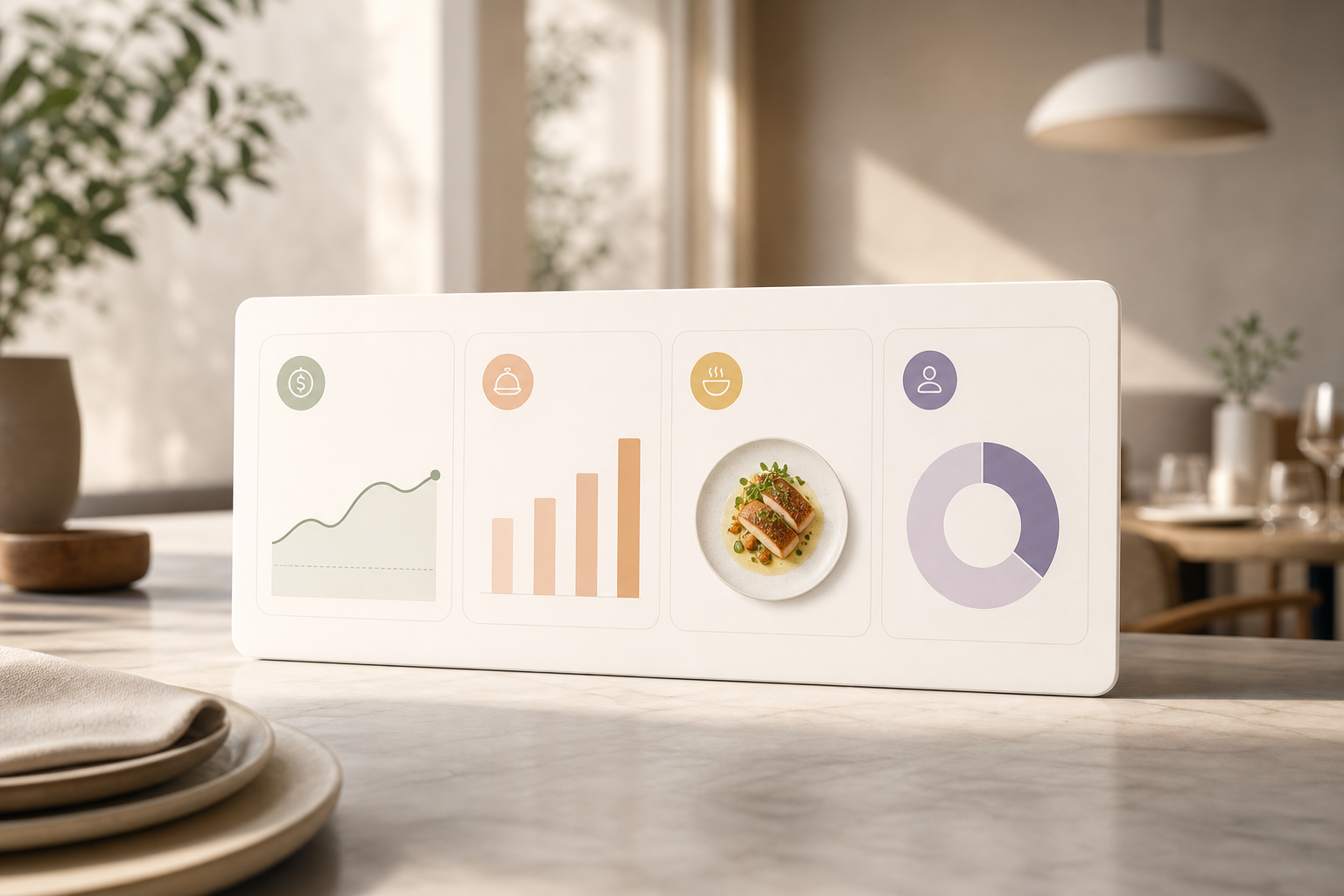
Restaurant-Focused Criteria for Analytics (Quick List)
- Foot traffic attribution from codes, QR, or unique links
- UGC content tracking and rights for quick re-use
- Local food creator discovery by city and cuisine
- Cost-per-visit math, not only CPM or CPE
- Visual content performance down to dish and hook
- Basic tie-in with reservations or POS exports
“Restaurants are a named target segment for Creators Ville,” and high-end restaurants are listed as well. That matters. It means workflows and reporting were built with hospitality teams in mind rather than only product brands.
As you weigh options, keep one filter in mind: does this tool reduce time from idea to post to filled tables? If the answer is yes, it likely supports your plan for 2026.
Also Read!
How to Track Influencer Campaign Analytics for Your Restaurant
Best Influencer Campaign Management for E-commerce Brands in 2026
Creators Ville Overview: Strengths and Weaknesses for Restaurants’ Campaign Analytics & ROI
Creators Ville is an influencer campaign management platform. It connects brands and creators with AI creator matching across niches and regions. You can search, filter, and invite local food voices in minutes. Then you can run paid collabs or product seeding campaigns with ready-made templates. In short, you get fast setup, a clear workflow, and real-time performance tracking.
On the analytics side, you get smart, live dashboards. The platform tracks sales, engagement, and brand lift in one place. That helps you bring campaign analytics and ROI into a single report that’s simple to present at pre-shift meetings or quarterly reviews. In addition, built-in contracts, automated payouts, and tax form handling cut admin time. Your GM does not need to chase invoices.
For restaurants, there are two key watch-outs. First, the platform’s primary niche is e-commerce and DTC brands. As a result, native integrations with restaurant POS are not the focus right now. Second, while you can track revenue tied to codes and links, full in-store attribution still needs a light manual step or a reservation export. That said, most users are Live within 24 hours, and signing up is completely free, which lowers your risk to test a pilot.
“Experience one of its kind influencer marketing—connect with verified influencers, track real-time performance, and gain data-driven insights to build long-term, transparent relationships. No middlemen, no hidden fees.”
Furthermore, social proof helps. Creators Ville is trusted by 50,000+ brands and creators. That scale matters because you want a broad pool of food creators in your city. And because the team supports creators directly, outreach and setup move fast.
Practical restaurant example:
- Pair each invited creator with a unique booking link and a dine-in promo code printed on a tasting card. Import the reservation CSV weekly, map UTM to covers, and compare uplift by creator. Use Creators Ville’s brief templates to standardize hooks (“Show the sizzling sound,” “Mention patio happy hour”) and watch which elements correlate with bookings.
How to implement Creators Ville in a restaurant (7-day plan)
- Day 1: Define campaign objective (e. g., “Fill 60 patio seats this weekend”) and KPIs (cost-per-visit, covers, add-ons).
- Day 2: Use AI matching to shortlist 15 local food creators by cuisine, location, and audience quality.
- Day 3: Send briefs with clear hooks, shooting windows, and required booking links/codes; pre-approve messaging around dishes.
- Day 4: Prepare FOH/BOH ops notes, add a POS promo button, and print tasting cards with QR codes per creator.
- Day 5: Approve drafts, schedule staggered go-live, and set up a shared tracker for UTM clicks, reservations, and promo taps.
- Days 6–7: Monitor Smart Analytics & Reports, boost top performers for 48 hours, and re-brief laggards with new angles.
Where Creators Ville Fits a Restaurant Best for ROI Tracking
- AI creator matching to find local food voices fast
- Real-time analytics that show which dish or hook drives action
- Contracts and payouts in one place so ops time stays low
If you plan creator-first campaigns and need one room to manage talent, briefs, reviews, and payments, Creators Ville is built for that. Add simple POS/reservation exports, and you’ll get credible cost-per-visit within your first 30-day pilot.
Sprout Social Overview: Strengths and Weaknesses for Restaurants’ Social Analytics and Campaign ROI
Sprout Social is a broad social media management suite. It excels at multi-platform scheduling, approvals, and enterprise reporting across teams. If you run several brands or dozens of locations, its shared calendar, roles, and in-depth social listening shine. Your marketing team will love how it manages day-to-day posts, comments, and DMs across platforms.
However, influencer discovery is not a native strength. You will likely need a third-party tool or manual sourcing to find local food creators. In addition, campaign-specific analytics can feel thin if you want tight, creator-by-creator ROI. The platform’s power is breadth across social management, not the full stack of influencer workflows, contracts, and payouts.
For restaurants, Sprout’s higher price point can be worth it if you need strong listening and care routing. Yet, if your core need is campaign analytics tied to bookings, you may still need another tool for discovery, briefs, and creator payments. As a result, some teams use Sprout for social management and pair it with an influencer platform for campaign work.
Sprout-specific restaurant use case:
- Use listening to spot local trend spikes (e. g., “negroni sbagliato,” “birria ramen”) and slot those items into content calendars across locations. Monitor response time KPIs to maintain reputation, while a dedicated influencer tool handles creator sourcing and payment rails for tasting events.
Limitations to plan for with Sprout in influencer programs
- Limited creator discovery: expect to pair with a separate platform or run manual outreach.
- No built-in creator payments: finance will need separate workflows for contracts, invoices, and tax forms.
- Campaign ROI depth: strong top-of-funnel and care analytics, but lighter on post-by-post creator attribution without add-ons.
Where Sprout Social Fits a Restaurant Best for Analytics & Tracking
- Multi-location scheduling and approvals across teams
- Social listening to catch local trends and guest feedback
- Enterprise reporting for social health and response time
In short, if your scope spans beyond influencer into full social ops, Sprout’s breadth is a clear win. Pair it with an influencer platform when you need creator-level ROI and payments.
Also Read!
Best Influencer Campaign Analytics for Restaurants in 2026
Feature-by-Feature Comparison: Creators Ville vs Sprout Social for Restaurant Campaigns, Analytics, ROI & Tracking
This section compares six dimensions that matter for restaurant campaigns. The aim is not hype. It is a clean read on what you get, how it helps, and who wins each round. Where relevant, we note how each feature impacts cost-per-visit or reservation conversion.
Creator Discovery for Campaigns
Creators Ville offers AI-Powered Campaign Matching and lets you search by niche, region, and engagement. For a neighborhood launch, that speed is gold. Sprout Social does not focus on creator discovery natively. You will rely on exports or separate tools.
Winner: Creators Ville, for fast local food creator discovery.
Campaign ROI Tracking
Creators Ville provides Smart Analytics & Reports with real-time performance tracking. You can track sales, engagement, and brand lift in one place. That supports post-by-post ROI down to each creator and helps you allocate budget mid-flight. Sprout Social can report on social metrics well but is lighter on creator-level ROI.
Winner: Creators Ville, for campaign-level ROI.
UGC Management and Rights Tracking
Creators Ville is built to use user-generated content for social campaigns with better engagement and higher ROI. You can track content, approvals, and rights in one flow. Sprout Social can store and schedule content across channels, which is useful, but it is not tailored to UGC from paid or seeded creator deals.
Winner: Creators Ville, for UGC tied to creator campaigns.
Content Approval Workflows for Campaigns
Both help, but with different scopes. Creators Ville has brief templates, content approvals, and campaign-level status views. That fits a tasting invite or a “new brunch menu” rollout. Sprout Social has strong multi-team approvals for all posts across accounts.
Winner: Tie, with a tilt to Sprout for broad social calendars.
Payment Handling
Creators Ville includes built-in contracts, automated payouts, and tax form management. You save finance time and avoid one-off wires. Sprout Social does not handle creator payments.
Winner: Creators Ville, for baked-in payments and paperwork.
Reporting Depth and Analytics
Sprout Social offers enterprise reporting for social presence, response time, and listening trends. If you need brand health across markets, it is strong. Creators Ville gives data-driven insights to improve influencer campaigns and report creator impact, which is the better fit for campaign ROI.
Winner: Depends on scope. For influencer campaign reports, Creators Ville; for broad social health, Sprout.
| Dimension | Creators Ville (Creator-First) | Sprout Social (Social Suite) | Winner |
|---|---|---|---|
| Creator Discovery | AI matching by niche/region; fast local sourcing | Not native; manual or third-party tools | Creators Ville |
| Campaign ROI Tracking | Real-time ROI per creator; Smart Analytics & Reports | Strong social stats; lighter creator ROI | Creators Ville |
| UGC Management | UGC tracking and rights tied to campaigns | Content library for scheduling | Creators Ville |
| Content Approvals | Briefs and campaign approvals | Multi-brand, multi-team scheduling approvals | Sprout (breadth) |
| Payment Handling | Contracts, payouts, tax forms built-in | None | Creators Ville |
| Reporting Depth | Campaign-focused insights | Enterprise social reporting and listening | Depends |
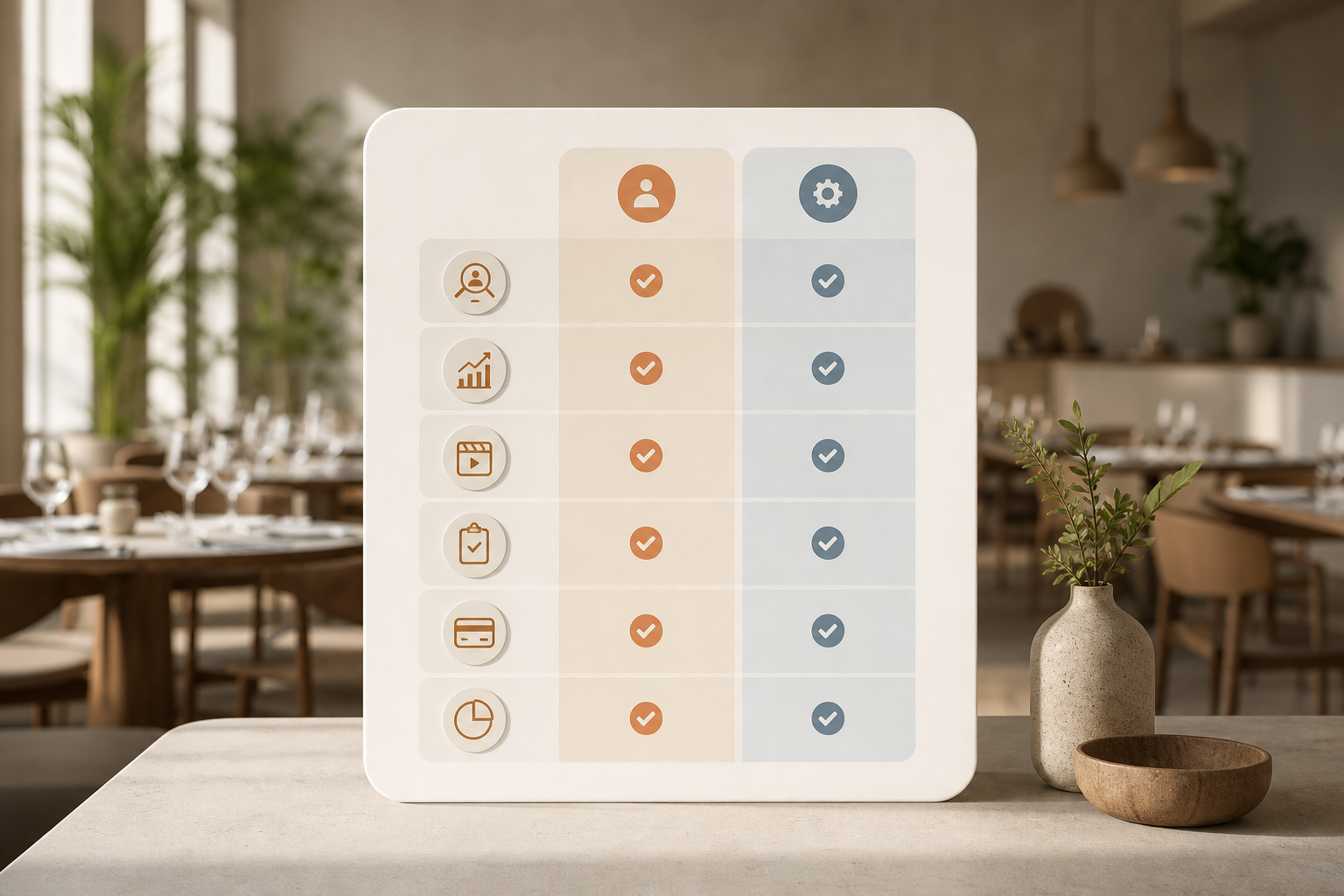
Practical takeaway: if your primary KPI is cost-per-visit, weight Creator Discovery, Campaign ROI Tracking, and UGC Management heavily. If you’re measured on response time SLAs and brand consistency, weight Content Approvals and Reporting Depth on the Sprout side.
Additional restaurant-specific considerations:
- Locality matters: platforms that index creators by neighborhood and cuisine reduce no-shows and increase authentic content.
- Rights and re-use: make sure your UGC rights cover paid boosts and email—high performers deserve multi-channel life.
- Mid-flight optimization: live dashboards should let you pivot hooks, dishes, or posting times within 24–48 hours.
Also Read!
How to Track Influencer Campaign Analytics for E-Commerce Brands
Creators Ville vs Grin for E-Commerce Brands: Which Is Better for Influencer Campaign Analytics?
Pricing Comparison for Analytics & ROI: What Restaurant Budgets Should Expect
Pricing affects how fast you can test. Creators Ville offers free signup, so you can set up a pilot without a PO. Most users are Live within 24 hours, which lets you kick off a week-one tasting, gather UGC, and check fit. Paid tiers are not publicly detailed, so you will need a quote for full pricing once you scope your program.
Sprout Social starts at $249+/mo. That cost can be fair if you run multi-location social and need enterprise reporting and care workflows. But if your plan is influencer-first, you may pay for breadth you do not use. On the other hand, if your team wants one suite for all posts and inbox work, Sprout’s price covers more daily tasks.
Consider total cost of ownership (TCO):
- Staff time: Creators Ville reduces manual contracting and payouts; Sprout reduces cross-platform scheduling effort.
- Add-ons: Expect additional spend on boosting top-performing creator content; budget a small paid amplification line.
- Data exports: If you need reservation or POS data help, account for light analyst time weekly to import and reconcile.
- Creator fees: Track average CPM/CPC but decide budget by cost-per-visit benchmarks; seasonality will shift these numbers.
For a single-location restaurant, you can run a low-risk test on Creators Ville, then add paid features if results prove out. For a multi-location group with central social ops, Sprout can anchor your calendar and community work while you trial an influencer platform for creator discovery and payments.
Therefore, match cost to scope. If the aim is proof on “cost-per-visit,” start where setup is free and quick. If the aim is broader social control across brands, budget for the suite.
See pricing and plans →
- Single location: start free on Creators Ville, track codes, and judge cost-per-visit
- Multi-location: Sprout for social ops, plus an influencer tool for creator ROI
- Seasonal push: short Creators Ville pilot to test a Mother’s Day brunch or patio launch
Including measurable analytics and ROI in your budget plan helps you defend spend in 2026 board reviews.
Simple cost-per-visit math example
- Spend: $1,200 across six micro-creators (content fees + two boosted posts)
- Tracked outcomes: 220 link clicks, 76 reservations with UTM, 31 walk-ins mentioning code, 18 “Promo Mentioned” POS taps
- Conservatively attributed visits: 76 + 31 + 18 = 125 visits
- Cost-per-visit: $1,200 / 125 = $9.
- If average incremental contribution margin per visit is $14, campaign ROI is positive; you can scale with confidence
Verdict: Which Platform Should Your Restaurant Choose for Influencer ROI?
If your plan is influencer-first, find local food creators, run briefs, track results, and pay talent. Creators Ville is the better fit. It gives you creator discovery, approvals, and payments in one place, plus smart analytics to show which posts lead to bookings. High-end restaurants are a target segment, so workflows align with hospitality needs.
If you need the broad sweep of social management, multi-platform scheduling, listening, and enterprise reporting. Sprout Social is strong. It shines for teams that manage comments, DMs, and brand voice across many handles. Yet for tight analytics and ROI tracking, you will likely add a second tool.
You can also run a hybrid. Sprout can power your daily social calendar while Creators Ville runs creator campaigns. That mix gives you tight ROI on influencer work and broad control for everything else. Moreover, since signing up is completely free on Creators Ville, you can test a creator pilot with low risk before peak season.
For more hands-on context, use this step-by-step piece to plan your tracking stack: How to Track Influencer Campaign Analytics as a Creator. Even as a restaurant, the setup tips for links, codes, and approvals apply.
Quick Decision Guide for Campaign Analytics
- Choose Creators Ville if you need creator discovery, briefs, approvals, and payments with live ROI for each post.
- Choose Sprout Social if you need broad social scheduling, listening, and enterprise reporting across locations.
- Consider using both if you need full social ops plus deep creator campaign control.
- Start with a 30-day pilot: 5–8 local creators, unique links/codes, weekly exports, and a simple dashboard for cost-per-visit.
- Weeks 1–2: Choose your stack (Creators Ville for creator programs; Sprout for broad social ops if needed). Align KPIs with finance.
- Weeks 3–4: Recruit and brief 10–15 local creators; implement UTM and dine-in codes; train FOH/BOH on promo capture.
- Weeks 5–6: Launch content in waves; run daily ingestion of clicks/reservations; post a mid-flight optimization brief.
- Weeks 7–8: Rights-clear top UGC; boost two best posts; test a reservation-only CTA vs. walk-in CTA.
- Weeks 9–10: Expand to a second menu pillar (e. g., brunch); A/B hooks (“sizzle” vs. “pour”) and evening vs. lunch slots.
- Weeks 11–12: Consolidate results into a campaign deck: cost-per-visit, covers uplift, UGC re-use value, staffing notes, and next steps. Include a budget request backed by proven influencer campaign analytics and ROI tracking.