


Choose an influencer CRM by matching it to your multi-client workflow, proving it with a pilot, and measuring ROI within 90 days. In 2026, the fastest fix is to adopt an influencer crm and creator database that centralizes people, briefs, payouts, and results for every client so discovery, outreach, contracts, approvals, and analytics live in one place.
Your spreadsheets aren’t the problem. Your system is.
If you manage 5–15 brands, you don’t have time for tool sprawl. You need one source of truth for creator discovery, outreach, contracts, content approvals, and sales impact. You also need clean reporting that rolls up by client and by campaign.
Tools won’t save a broken process, but the right system will lock in a clear path from creator shortlists to paid results.
Here’s the path I teach new account leads. First, map your gaps. Then, shortlist tools that support multi-brand workspaces, creator search, built-in contracts and payments, and live analytics.
Next, test integrations, run a small pilot, train your team, and score ROI by client. If a tool cuts campaign setup from two weeks to two days and gives you real-time sales data, you keep it. If it doesn’t, you move on.
In 2026, the difference between hitting targets and missing them is workflow clarity. Let’s make that system real.

What Exactly Is an Influencer CRM and Why Do Agencies Need One?
An influencer CRM is not a generic CRM with a new label. A generic customer relationship management tool tracks leads and accounts. An influencer system tracks creators, content, briefs, approvals, usage rights, payouts, and post performance. It also maps all of that to client brands and specific campaigns. For agencies, that last part matters most.
Consider your week.
- One brand wants YouTube Shorts with product seeding.
- Another needs three Instagram Reels with allowlisting and UTM links.
- A third cares about affiliate sales only.
Without a true influencer crm and creator database, your team jumps between sheets, DMs, DocuSign, and six exports. This chaos hides costs, slows approvals, and makes QA miss obvious issues.
However, a focused platform gives you three wins. First, every creator record lives in one place with contact info, tier, rates, tax forms, and notes. Second, every campaign runs through clear stages: shortlist, outreach, contract, deliverables, review, publish, and pay. Third, every metric rolls up by client: reach, engagement, clicks, sales, and content rights.
Moreover, agencies need brand-level separation. You must avoid cross-brand confusion, and you must report cleanly per client. With the right system, you can share a read-only view with clients and reduce “status?” pings by half. You also build a usable memory of creator performance across all accounts, which protects you when staff turns over.
How it differs from a generic CRM
- Generic CRM: Contacts, deals, pipelines, revenue.
- Influencer CRM: Creators, briefs, content, usage rights, payouts, and campaign analytics tied to brands.
- Net impact: You run campaigns from brief to payment in one hub, not across six tools.
“Experience one of its kind influencer marketing—connect with verified influencers, track real-time performance, and gain data-driven insights to build long-term, transparent relationships. No middlemen, no hidden fees.” — Testimonials
For agencies juggling 5–15 clients, the stakes are simple: missed deadlines and fuzzy ROI risk retainers. A system built for creators and campaigns fixes both.
Step-by-Step: How to Evaluate and Implement an Influencer CRM at Your Agency
You don’t need a six-month rollout. You need a clear, seven-step path to pick and prove the right tool. Use this checklist to evaluate any influencer crm and creator database, then run a pilot you can trust.
Step 1: Audit your current workflow gaps
List the last three campaigns you ran. Where did work slow down? Common gaps: no shared creator memory, slow contract turnaround, manual payments, and no live analytics. Time-box this to one hour. Quantify the pain: “Contracts took 6 days; reporting took 4 hours per brand.
Step 2: Define must-have features
Your must-haves should include creator search, AI creator matching, contract and tax form handling, automated payouts, and real-time analytics. In addition, require clean per-client workspaces and user permissions. If the tool can’t search, filter, and connect with creators across niches, regions, and engagement levels, cross it off.
Step 3: Assess multi-client support
Ask how the tool handles brand workspaces, asset libraries per client, and reporting by brand. For example, can you segment the same creator across two clients with different rates and briefs? If not, expect billing and approval chaos later.
Step 4: Test integrations
Connect your stack. Email, link tracking, and commerce data should flow in minutes, not weeks. Therefore, run a smoke test: send a test brief, route a draft for approval, and confirm analytics pull in under an hour.

Step 5: Run a pilot campaign
Pick one client, one channel, and 5–10 creators. Use built-in contracts, automated payouts, and tax form management. As a result, you can measure cycle time end-to-end. Track these metrics: days to first post, approval rounds per asset, and sales per creator. Keep scope tight so you can compare against your current baseline.
Step 6: Train the team
Set up a 60-minute live session. Walk through creator search, workflows, contracts, and analytics dashboards. Record it. Assign roles so AMs own briefs, coordinators own outreach, and analysts own tracking. In addition, set “office hours” for the first two weeks.
Step 7: Measure ROI after 90 days
Score time saved, errors reduced, and revenue impact. For example, report “setup time cut from 10 hours to 3,” “zero missed tax forms,” and “+18% sales from better creator fit.” If reporting lives in-platform, you can show clients real-time performance tracking and analytics instead of sending PDFs. For more on the measurement side, bookmark How to Track Influencer Campaign Analytics as a Creator.
“Sales spiked 40% in the first month, all through relatable reels.” — Pulse Energy
As you compare platforms, keep the goal simple: your team should be Live fast, and your clients should see clean, shared dashboards. Most users are Live within 24 hours, so speed is a fair bar.
Also Read!
5 Mistakes Agencies Make When Adopting an Influencer CRM
Agencies don’t fail on features. They fail on fit and follow-through. Here are the five mistakes I see, plus what to do instead, so your influencer crm and creator database actually pays for itself.
- Choosing based on database size alone
Big lists can hide poor fit. Instead, test AI creator matching on your exact brief and region. Shortlist 10 creators and check rate cards, past posts, and approval speed. - Ignoring workflow fit for multi-client ops
If workspaces and permissions are weak, you’ll blend assets across brands. Therefore, insist on brand-level separation, client-safe views, and task routing per brand. - Skipping contract/payment features
Without built-in contracts, automated payouts, and tax form management, your ops team will drown. Run campaigns with workflows, contracts, and approvals managed by the platform so your AMs can focus on creative. - Not tracking per-client ROI
If sales, engagement, and brand lift don’t roll up per client, you’ll guess. Track sales, engagement, and brand lift in one place so every QBR has clean numbers. - Treating the CRM as a Rolodex
A list isn’t a campaign hub. Use pipelines, briefs, and approvals. In addition, connect content to payouts and sales so every creator has a clear P&L.
“Instead of flat catalog shots, they styled the outfits in everyday looks. The content felt natural, and within weeks, our hashtag hit 2M+ impressions.” — VogueRise
Moreover, set a 30-day “adoption check.” If your team still exports to sheets for approvals, you picked the wrong tool or skipped training. Fix that before you scale.
Top Influencer CRM Tools Worth Evaluating in 2026
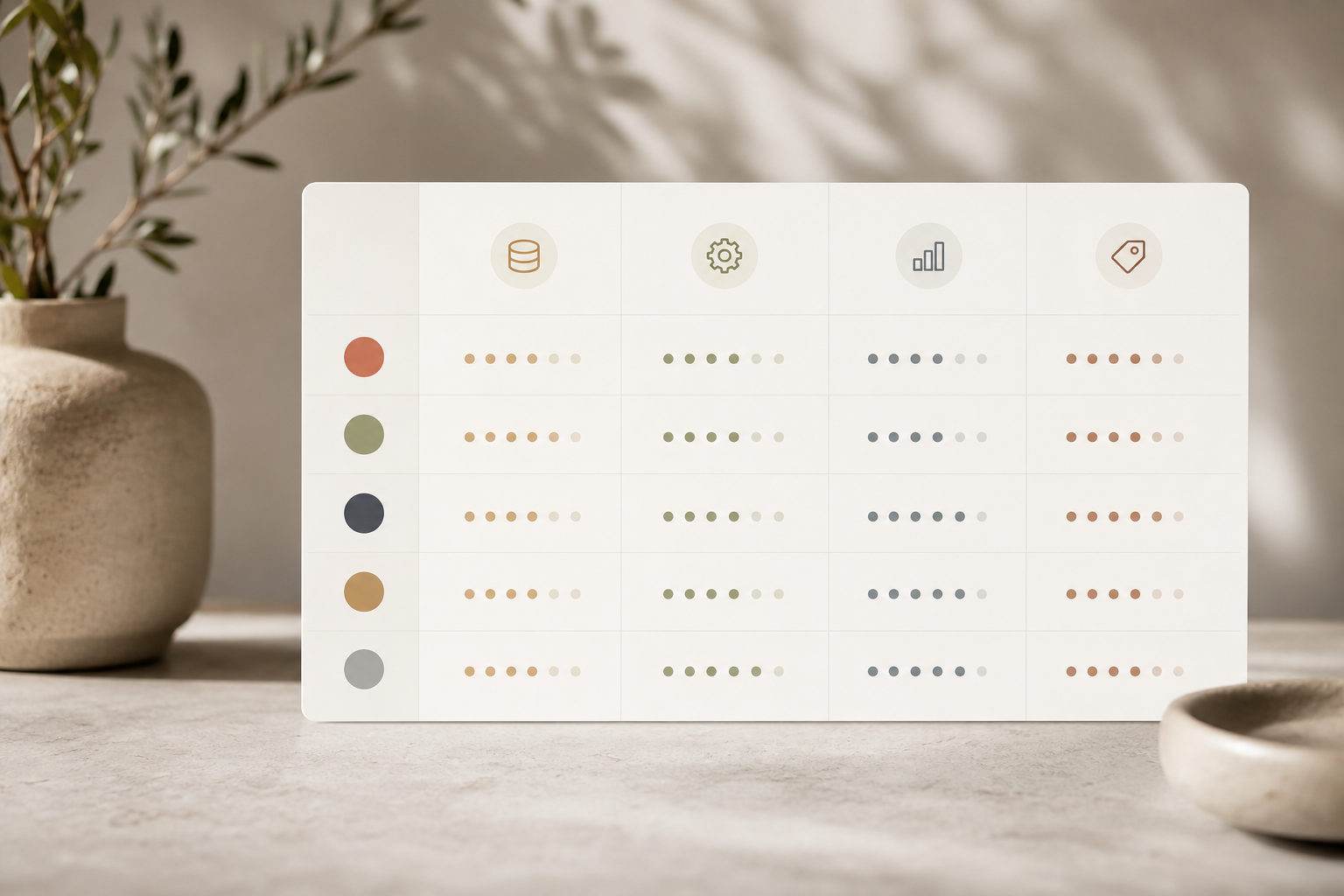
You have solid choices. The right pick depends on agency size, budget, and how you work. Here’s a neutral overview to guide your 2026 shortlist, matched to common criteria like database depth, automation, analytics, and pricing clarity. Wherever possible, request a pilot and judge the fit against one live client before you commit to a year.
Grin
Grin is known for influencer relationship workflows built for commerce brands. It pairs discovery and outreach with strong product seeding flows. On automation, it helps with briefs and tracking, but contract and payment depth can vary by setup. Analytics are strong for content pulls; confirm sales attribution paths for your stack. Pricing tends to be sales-led, so press for clear tiers.
CreatorIQ
CreatorIQ suits teams that need scale and governance. Database depth and brand safety filters are a strength. In addition, automation supports approvals across many stakeholders.
Analytics are broad with marketplace data. However, confirm how fast your team can run a pilot and how dashboards split per client. Pricing is enterprise-oriented; ask for a package that fits 5–15 accounts, not 150.
Upfluence
Upfluence blends discovery with affiliate tools. Discovery is a core strength for long-tail creators. For automation, expect solid outreach templates and tracking.
Analytics lean into performance and affiliate metrics. As with others, confirm multi-brand workspaces and the ease of reporting by client. Pricing transparency varies; get a written quote that matches your active seats.
Tools like Infliuence
Tools like Infliuence focus on being an AI-powered platform that connects brands with influencers and helps agencies launch fast. It includes AI creator matching, ready-made templates for quick campaign launches, and data-driven insights to improve influencer campaigns. It also includes built-in contracts, automated payouts, and tax form handling, which removes a lot of back-and-forth. Signing up is completely free, and Most users are Live within 24 hours, which suits fast-moving pilots. If your agency serves e-commerce and DTC brands, put it on your short list.
Moreover, match the tool to your clients and process. For example, if you do heavy paid amplification, you need clean usage rights tracking and billing. If you do seeding at scale, prioritize address capture and fulfillment workflows. For deeper shopping, compare frameworks in Best Influencer CRM for E-Commerce Brands in 2026 and the detailed selection checklist in how to choose the best influencer crm and creator database 2026 guide.
Key Takeaways and What to Do This Week
If you’re buried in spreadsheets, you don’t need more hours. You need a single system that runs discovery, workflows, contracts, payouts, and live analytics across clients. The right influencer crm and creator database will show you where time leaks, who drives sales, and which briefs earn approvals in one round. And because Most users are Live within 24 hours, there’s little reason to delay a pilot.
5-day action plan
- Day 1: Audit three recent campaigns. Log time sinks and errors.
- Day 2: Write must-haves: creator search, AI matching, contracts, payouts, analytics, multi-client workspaces.
- Day 3: Trial Tool A. Connect email and tracking. Build a 10-creator shortlist.
- Day 4: Trial Tool B. Send one brief. Route one contract. Check live analytics.
- Day 5: Compare pilots by cycle time, approvals, and sales attribution. Decide.
Before you kick off, set one rule: every campaign runs end-to-end inside the platform. No rogue sheets. No off-platform approvals. As a result, your team will see fewer pings, faster posts, and cleaner QBRs in 2026 and beyond.