
You don’t need a million followers to answer “digital creator do you” with a yes. A digital creator makes original media, video, audio, text, or design, published online to teach, entertain, or persuade.
Here’s the path in plain English. You choose a niche, pick one format to start, post on one or two platforms, and build a simple system so you can publish on schedule. Then you improve by reading your analytics, swapping ideas with peers, and collaborating. Finally, you add income streams like brand deals, products, or memberships.
By 2026, creators are not side notes to marketing; they are the channel. Platforms that match creators and brands report large communities; one is trusted by 50,000+ brands and creators. That matters because reach without fit rarely pays. Fit plus consistency does. This guide uses real examples, hard-won lessons, and a 7-day plan so you can hit publish this week, not “someday.

What Exactly Is a Digital Creator?
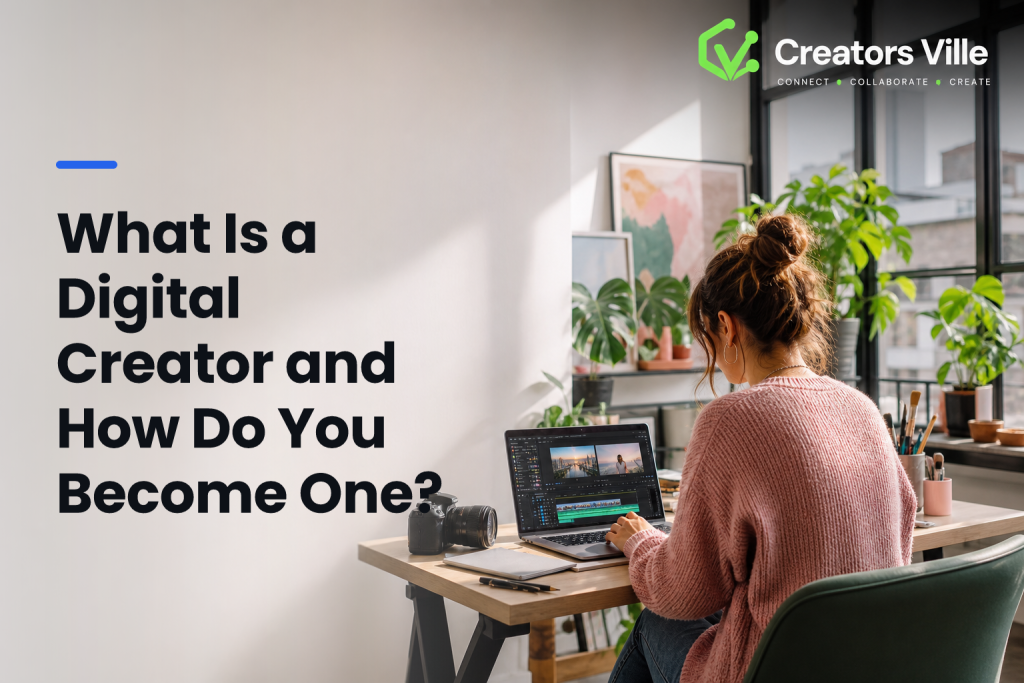
A digital creator is someone who makes original content for the internet with a clear point of view and a repeatable process. That content can be video, writing, design, audio, or education-led formats like tutorials and courses. The work is the product. Reach helps, but the craft comes first.
On the other hand, an influencer centers on audience reach and sway. They may post content made by others or prioritize endorsements. Creators can influence, and influencers can create, but the priorities differ. Creators obsess over the story, format, and repeatable production. Influencers focus on brand alignment and audience outcomes like clicks or sign-ups.
According to Wikipedia’s overview of content creators, creation spans pros and hobbyists who publish to digital platforms. In practice, think of a science teacher who turns lab demos into 60-second shorts, or a barista who writes clear brew guides with step photos. Both are creators even with small audiences, because craft and consistency lead.
Specifically, here are the core types you can choose:
- Video: Shorts, vlogs, explainers, reviews, live streams
- Writing: Newsletters, blogs, scripts, micro-essays, threads
- Design: Carousels, infographics, illustrations, templates
- Audio: Podcasts, short-form voice notes, interviews
- Education: Tutorials, lesson plans, cohort courses, templates
How creators earn
Creators turn skill into income by mixing models: brand deals, affiliate links, digital products (presets, templates, ebooks), services (editing, coaching), memberships, and ad revenue. Your mix will change over time. Early on, the fastest path is service or affiliate income. Later, products and memberships scale better.
As a quick litmus test: if someone asks, “digital creator do you,” they’re asking if you make distinct, original pieces on a schedule. If the answer is yes, even at small scale, you’re already on the path.
Also Read!
How to Choose and Use an Influencer CRM for Your Marketing Agency
How to Become a Digital Creator: A Step-by-Step Framework
You do not need new gear to start. You need a clear lane and a simple system. Use this five-step framework and give yourself 90 days.
- Pick a niche and format: Choose a problem you care about and a format you can keep up with. For example, “budget home cooking for one” as 30-second vertical videos. Or “beginner watercolor” as weekly illustrated posts. If you can’t list 25 content ideas in 15 minutes, narrow or tweak your angle.
- Choose 1–2 platforms: Post where your format fits and your audience already hangs out. Short video? TikTok or Reels.
Long tutorials? YouTube. Writing?
A blog and a newsletter. Resist the urge to be everywhere. Depth beats spread for the first 3 months. 3. Build a content system and schedule: Turn chaos into a loop: Research → Script/Outline → Produce → Edit → Publish → Analyze → Iterate.
Time-box it. For instance, Monday idea dump (30 minutes), Tuesday script (45 minutes), Wednesday shoot (60 minutes), Thursday edit (60 minutes), Friday publish and reply (30 minutes). Protect this calendar like a class you paid for. 4. Grow through collaboration: Trade value, not favors.
Stitch or duet three peers a week. Offer a fresh angle on their topic. Pitch one micro-collab per week: “I’ll shoot a 30-second hook for your recipe; you do the voiceover.
Small crossovers add up. 5. Monetize with intent: Start with one stream.
For example, add one affiliate link per post or sell a $9 preset pack after your 10th tutorial. When a brand reaches out, ask for a brief, usage rights, and timeline in writing. Keep a simple rate card so you don’t guess under pressure.

How to know it’s working
- You can publish on time for 4 weeks straight.
- One post earns saves, shares, or watch time above your average.
- A peer asks to collaborate, or a viewer asks a smart follow-up.
- You test one monetization lever without derailing your schedule.
If a friend asks “digital creator do you” after month one, your proof is not followers. It’s that repeatable loop and a small stack of posts that teach, help, or delight.
**See Creator Pricing Today →
5 Mistakes New Digital Creators Make
- First, chasing every platform. Spraying the same clip to five apps eats time and muddies feedback. Fix: pick one primary and one secondary platform for 90 days. Post natively, study what lands, then expand.
- Second, ignoring analytics. You don’t need a dashboard wall. You do need one or two signals. Fix: track only saves/shares and average watch time for video, or open rate and clicks for email. Compare week over week. Keep a simple spreadsheet with your last 10 posts.
- Third, waiting to be “ready.” Gear upgrades can’t fix unclear ideas. Fix: set a publish floor, one post every week for 8 weeks, before any gear spend. Your phone mic plus quiet room beats a pricey mic used once a month.
- Fourth, underpricing your work. New creators say yes to low fees, then get stuck.
Fix: create a base rate (e.g., $250 per Reel with organic rights for 30 days).
Add line items for add-ons: $150 for raw files, $200 for paid usage per 30 days, $100 for rush delivery. Send a one-page term sheet.
- Fifth, treating content like a hobby without systems.
Ideas vanish, files go missing, and you burn out. Fix: use a single notes app for ideas, a folder naming rule (YYYY-MM-DD-topic-take), and a weekly review. Build templates: a script outline, a thumbnail checklist, and end-card CTAs.
- Quick fixes checklist
- Choose 1–2 platforms for 90 days
- Track two metrics only
- Publish once a week for 8 weeks
- Use a rate card with add-ons
- Create a file naming rule and script template
As a reminder to keep craft first, ask yourself weekly: digital creator do you ship work that helps one person do one task better? If not, trim, refocus, and try again next week.
Tools and Platforms That Help Digital Creators Grow
Tools don’t make the creator, but the right few save hours and reduce stress. Start with editing, scheduling, analytics, and collaboration.
For editing, CapCut and Canva give you fast, low-friction workflows. CapCut handles cuts, captions, and basic color in minutes. Canva helps you make clean thumbnails, carousels, and end cards without a design degree. For audio, try simple chains in GarageBand or audacity. Keep your stack light until posting feels easy.
For scheduling, Buffer and Later handle queues and basic best-time suggestions. Use them only after you’ve proved your manual posting loop. Automation should guard your time, not hide weak ideas.
Analytics and brand collaboration
For analytics, start with native tools: YouTube Studio for watch time and retention graphs, Instagram Insights for reach and saves. Check once a week. Screenshot the one chart that changed and write a one-line lesson under it. Simple beats complex.
For brand collaboration, platforms connect you with briefs you’d never see on your own. Tools like Creators Ville are one option among several. It’s an AI-powered platform that connects brands with influencers and creators, supports “Unlimited Brand Collabs,” and is trusted by 50,000+ brands and creators.
Signing up is completely free. In practice, that means you can browse active campaigns, match on niche and audience, and keep contracts and payouts in one place. Most users are Live within 24 hours, so you can test the waters fast and still keep your publishing loop intact.
“Instead of flat catalog shots, they styled the outfits in everyday looks. The content felt natural, and within weeks, our hashtag hit 2M+ impressions.” — VogueRise
Use collaboration platforms to supplement, not replace, your inbound process. Pitch one brand you already use each month. Then apply to one brief that fits your lane. Keep the mix balanced so your voice stays yours, not just a string of ads.
As you test tools, ask yourself: digital creator do you feel faster, clearer, and more consistent with this app? If the answer is no after two weeks, cut it.
Also Read!
How to Choose an Influencer CRM for Your E-Commerce Brand
How to Run Influencer Product Seeding Campaigns for Marketing Agency Clients
What to Do Next: Your First Week as a Digital Creator
Here’s a concrete 7-day plan. Block 45–90 minutes each day. Keep it light, keep it fun, and ship once.
-
Day 1: Skills audit and niche pick
List 10 skills you have and 10 problems you’ve solved. Circle the overlap that other people ask you about. Pick one niche that fits a format you enjoy. -
Day 2: Idea bank and content map
Write 25 post ideas in 15 minutes. Use prompts like “First steps,” “Common mistake,” “Before/After,” “Checklist,” “One tool I use.” Star the best five. -
Day 3: Set up profiles
Create or refresh 1–2 profiles. Add a clear bio (“I help X do Y”), one link for contact, and a simple brand kit (2 colors, 1 typeface, 1 profile photo). -
Day 4: Script and shoot
Script two short pieces or outline one longer piece. Shoot in one session. Use natural light. Record room tone for cleaner audio in the edit. -
Day 5: Edit and thumbnail/cover
Cut ruthlessly. Add captions for silent viewers. Make one clean thumbnail or cover image with a big, clear phrase (3–5 words). -
Day 6: Publish and engage
Post at a time you can reply for 30 minutes. Pin a helpful comment. Save common questions for next week’s content. -
Day 7: Analyze and plan
Note saves, shares, watch time, or clicks. Write one sentence: “Next week I will test X.” Book next week’s slots on your calendar.
If a friend asks “digital creator do you have a plan,” this 7-day sprint is your proof. You’ll learn far more from one shipped post than from ten hours of research.

Key Takeaways
Before you close this tab, capture these points so you do the simple work that compounds.
-
A creator makes original media online with craft and a repeatable system. You don’t need a huge audience to start; you need a clear topic, a format, and a schedule you can keep.
-
Start with one niche, one format, and 1–2 platforms for 90 days. Consistency and focus beat gear and platform hopping, especially in 2026 when attention is tight and trends shift fast.
-
Track just two signals (e.g., saves/shares and watch time) each week. Screenshot your best and worst post, write one lesson under each, and change one thing next week.
-
Price your work with a base rate and clear add-ons (usage, rush, raw files). Put it in writing before you start, so you protect your time and earn fairly.
-
Use tools to remove friction, not to hide weak ideas. Editing apps (CapCut, Canva), simple schedulers (Buffer, Later), native analytics, and one collaboration platform can save hours without bloating your stack.
What to Do This Week
This week, act like a studio of one. Pick your lane in 30 minutes, make a list of 25 ideas, and block a small daily slot for the loop: research, outline, produce, edit, publish, engage, analyze. Publish one piece by Day 6.
Then, apply to one well-matched brand brief so you can practice reading a brief and quoting a fair rate. As you do this, write down real numbers, how long each step takes, what watch time you earned, what questions people ask. Those notes will guide better posts next week.
Finally, protect your voice. In 2026, creators who stick with a point of view win. Ask yourself once a week: does this post help one person solve one clear problem or feel one clear emotion? If yes, ship it.